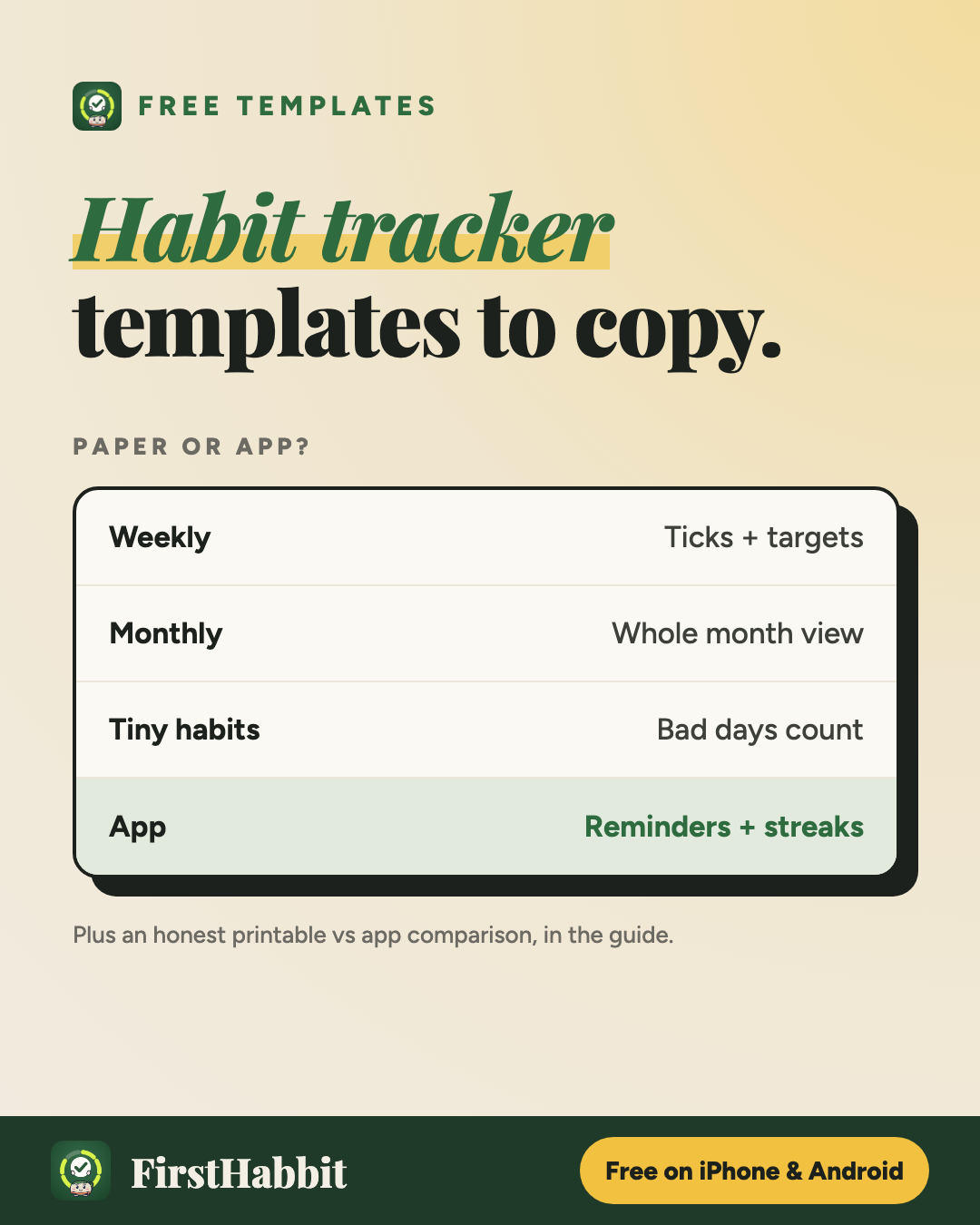
A good habit tracker template is simple: habits down the side, days across the top, one box per day. Track three habits or fewer to start, write each as something you can answer yes or no, and keep the sheet where you'll see it every day. Below you'll find a weekly template, a monthly template and a tiny-habits template you can copy into a notebook, a document or a spreadsheet, plus an honest look at whether paper or an app will work better for you.
Why tracking works at all
Writing down whether you did something sounds too simple to matter, but it's one of the better-supported tools in behaviour change. A review by Harkin and colleagues (2016), covering 138 studies, found that monitoring your progress helps you reach goals, and the effect was larger when progress was physically recorded or shared with others.
A tracker helps in three ways:
- It reminds you. Seeing the sheet or the app is a cue to do the habit.
- It's honest. You stop relying on "I think I did it most days".
- It rewards you. Ticking a box or seeing a streak grow feels good, which makes you more likely to repeat it.
Template 1: Weekly habit tracker
Best for beginners and for habits that don't happen every day. Copy this into a notebook, Notes app or a document:
| Habit | Mon | Tue | Wed | Thu | Fri | Sat | Sun | Done |
|---|---|---|---|---|---|---|---|---|
| Drink water after waking | /7 | |||||||
| 20-minute walk | /5 | |||||||
| Read 10 pages | /7 | |||||||
| Phone out of bedroom | /7 |
How to use it: write your target in the "Done" column (for example /5 for a walk five days a week). Tick each day you do the habit. On Sunday evening, count the ticks and decide whether next week's target stays the same, goes up or comes down.
Template 2: Monthly habit tracker
Best once you know which habits you want and like seeing the whole month at a glance. Print it on A4 or US Letter in landscape, or draw it in a bullet journal:
MONTH: ____________        GOAL FOR THIS MONTH: ______________________

HABIT              1  2  3  4  5  6  7  8  9 10 11 12 13 14 15 16
                  17 18 19 20 21 22 23 24 25 26 27 28 29 30 31   TOTAL
------------------------------------------------------------------------
1. ____________   □  □  □  □  □  □  □  □  □  □  □  □  □  □  □  □
                  □  □  □  □  □  □  □  □  □  □  □  □  □  □  □    __/31
2. ____________   □  □  □  □  □  □  □  □  □  □  □  □  □  □  □  □
                  □  □  □  □  □  □  □  □  □  □  □  □  □  □  □    __/31
3. ____________   □  □  □  □  □  □  □  □  □  □  □  □  □  □  □  □
                  □  □  □  □  □  □  □  □  □  □  □  □  □  □  □    __/31

END OF MONTH:  What worked? ____________  What will I change? ____________
Tip: splitting the month into two rows keeps the boxes big enough to tick on a phone-sized notebook and on a printed page.
Template 3: Tiny-habits tracker
Best if you've tried trackers before and given up. Each habit has a normal version and a tiny version for bad days, and both count:
| Habit | Normal version | Tiny version (still counts) | Mon | Tue | Wed | Thu | Fri | Sat | Sun |
|---|---|---|---|---|---|---|---|---|---|
| Exercise | 20-minute workout | 10 squats | |||||||
| Read | 10 pages | 1 page | |||||||
| Tidy | 10-minute reset | Clear one surface |
Mark a full tick for the normal version and a half tick for the tiny version. The point is to keep the chain alive on hard days.
Spreadsheet version (Google Sheets or Excel)
If you like spreadsheets:
- Put habits in column A and dates across row 1.
- Select the grid and use Insert > Checkbox (Google Sheets) or a drop-down list of ✓ (Excel).
- In the last column, count ticks with
=COUNTIF(B2:AF2, TRUE)in Google Sheets. - Add conditional formatting to colour ticked cells green.
Spreadsheets are great for looking back over a year, but most people don't open them every day on their phone, which is where they tend to fall apart.
Printable habit tracker vs app: an honest comparison
| Printable / paper | Habit tracker app | |
|---|---|---|
| Cost | Free | Often free, sometimes paid |
| Setup | Draw or print in minutes | Download and add habits in minutes |
| Reminders | None, unless you put it somewhere you can't miss | Notifications at the time you choose |
| Visible during the day | Only if it's on the fridge or desk | On your phone and home screen |
| Flexible schedules (e.g. 3x a week) | You track the target yourself | Usually built in |
| Streaks | You count them | Counted automatically |
| History | One page per month; easy to lose | Saved automatically |
| Satisfaction of ticking | High; pen on paper feels good | Good; tap and animation |
| Screen time | None | Adds a little |
| Works when travelling | Only if you carry it | Yes |
Choose paper if...
- You already use a bullet journal or planner every day.
- Your habits happen at home, near where the tracker lives.
- You want less phone time, or you like the physical act of ticking.
Choose an app if...
- You've forgotten to fill in paper trackers before.
- You need reminders to remember the habit at all.
- Your habits happen in different places (work, gym, travel).
- You want streaks, schedules like "Mon, Wed, Fri", and history without doing the counting.
Or use both
Some people keep the app for reminders and the daily tick, and a paper monthly sheet on the fridge as a visible scoreboard for the family. That's fine. The one rule: pick one place as the source of truth, or you'll stop trusting either.
5 rules that make any template work
- Track three habits or fewer at first. Add a new one only when the others feel automatic.
- Make each habit a yes/no. "Read 10 pages" is trackable; "read more" isn't.
- Fill it in at the same time each day, for example right before bed.
- Don't wipe the slate after a miss. Missing one day doesn't undo a habit; Lally and colleagues (2010) found a single missed day didn't materially affect habit formation. Here's how to get back on track after a broken streak.
- Review weekly. Five minutes on Sunday to adjust targets. Our weekly review checklist includes it.
Need ideas for what to put in the template? See our list of 100 habit tracker ideas sorted by goal.
How FirstHabbit helps
If you'd like the template without the paper, FirstHabbit turns each row into a routine:
- Daily, weekly, monthly or yearly routines, like every day, every Sunday or every month.
- Streaks and a week of dots for every routine, counted for you.
- Reminders at the time you pick, with Mark done in the notification.
- Your routines and to-dos in one Today list, so the tracker is part of your day instead of a separate sheet.
- Quick-add in plain English: "Walk every day 1pm".
- Forgiving streaks with freezes and a "life happened" pause for sick days and holidays.
Start free on iPhone or Android with 4 to-dos and 4 habits, plus streaks and reminders. Pro unlocks unlimited everything.
Frequently asked questions
What should a habit tracker template include?
A list of habits, a box for each day, and a total or target for each habit. A weekly or monthly review line at the bottom helps you adjust. Keep it to three habits at first.
Is a printable habit tracker better than an app?
Neither is better for everyone. Paper suits people who already use a planner and want less screen time. An app suits people who need reminders, track habits in different places, or want streaks and history counted automatically.
How do I make a habit tracker in Google Sheets?
Put habits in column A and dates across row 1, insert checkboxes in the grid, count them with COUNTIF in the last column, and add conditional formatting to colour completed days.
How many habits should I track at once?
Two or three. Add another only once the current ones feel easy and automatic. Tracking many habits at once makes it more likely you'll drop all of them.
What do I do if I miss a day on my habit tracker?
Leave the box empty, don't start over, and make sure you don't miss the next day. One missed day doesn't undo a habit; giving up after it does.
Ready to build better habits?
Download FirstHabbit free: calm to-dos and daily routines with streaks and gentle reminders.
Related Articles
Habit Tracker Ideas: 100 Habits to Track, Sorted by Goal (2026)

Best Free Habit Tracker Apps 2026: 9 Apps With No Subscription Needed
Broke Your Streak? How to Get Back on Track After Missing a Habit (2026)